
Preview / Playback
Table of Contents
Overview
The preview area is the large central section of the Editor. It shows exactly what your exported video will look like — including the wallpaper, layout, camera position, and any zoom effects you have applied. What you see in the preview is what you get in the final export.
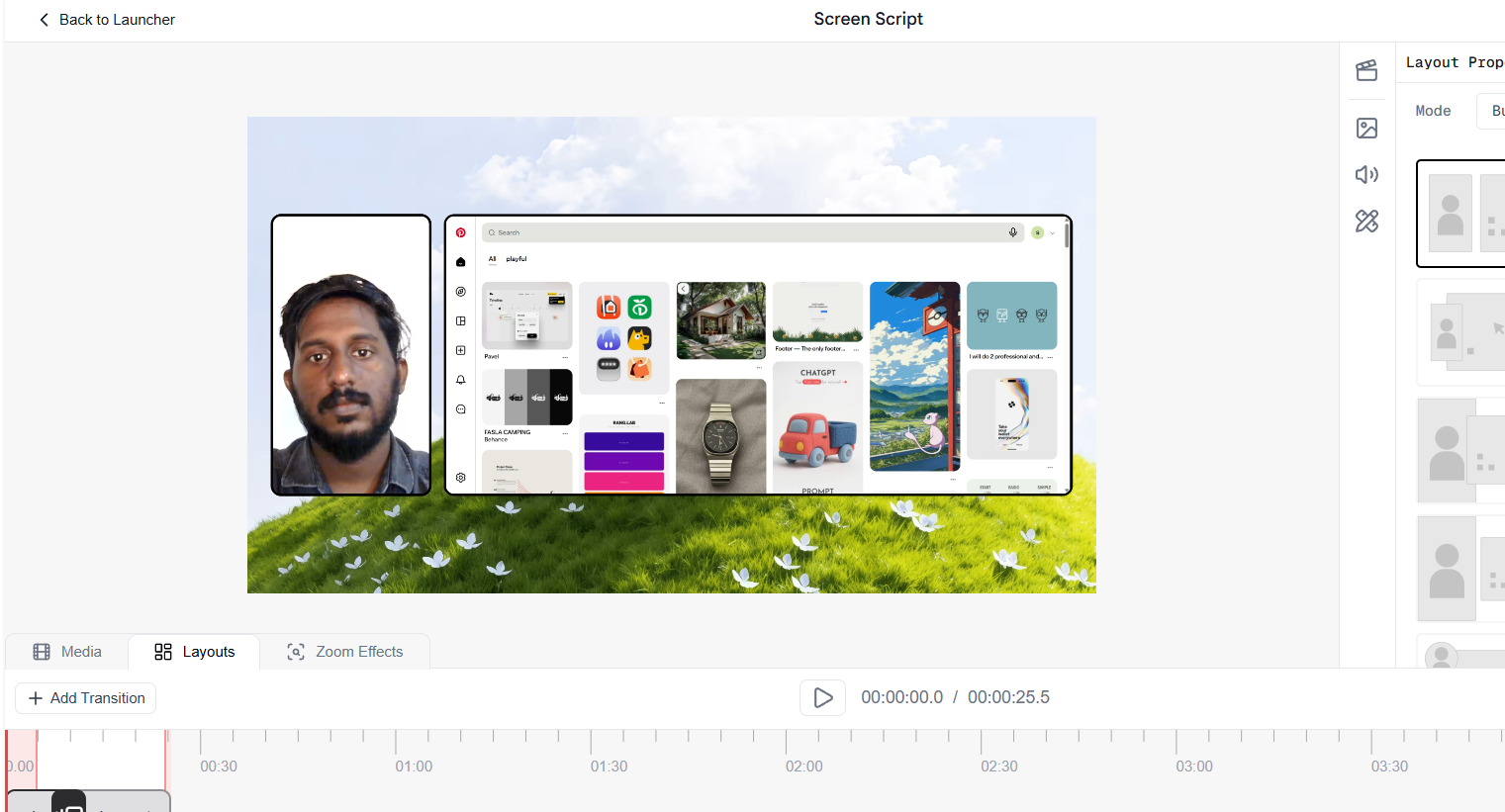
Video preview and playback area in the Screen Script Editor
Playback Controls
At the bottom of the preview area you will find the playback bar:
- Play / Pause — click to start or stop playback.
- Timestamp — shows the current playhead position and the total video duration (for example,
00:00:00.0 / 00:00:25.5). The playhead also moves along the timeline in sync as the video plays.
Zooming the Preview
You can scroll (mouse wheel) over the preview area to zoom in and out. This is purely a visual zoom for editing comfort — it does not affect the exported video in any way. Zooming in is useful when you need a closer look at a specific area of the frame while positioning elements or reviewing zoom effects.